



Your favourite shows without the price tag
Answer a few simple questions to find out how to get all your favourite shows live and on demand, all in one place and all for free.
All for free
Find out more


Freeview mobile app
Enjoy your favourite shows wherever you are for free with the Freeview mobile app.
Mobile App
Enjoy your favourite shows without the price tag
The nation’s most popular TV platform offers an impressive 60,000+ hours of TV and over 1,500 boxsets, across your favourite on demand players. All for free.

Top up with extra on-demand TV, movies and sport
Freeview Play gives you 95% of the nation’s favourite TV, all for free. And if you want even more, you can top up with extra on-demand TV, movies and sport from the likes of Netflix, NOW and Prime Video whenever you like.*

Enjoy Freeview on the go
Get inspired in the kitchen, Entertained on the go. Or fall in love with a TV moment on the sofa.
You can now enjoy Freeview through your Freeview Play TV, through the Freeview app on your mobile or tablet or you can enjoy live TV via the TV guide on this site.
Never miss a moment
With a Freeview Play recorder, you’ll get all the features of Freeview Play, plus you’ll be able to pause, record and rewind live TV.

Freeview at home and wherever you are
You can now enjoy your favourite Freeview shows on your mobile or tablet. Browse great shows from BBC iPlayer, ITVX, Channel 4, 5 and U, wherever you are.

How do I get Freeview Play?
Chances are you already have everything you need. Just follow these simple steps and you’ll be watching the biggest shows live and on demand before you know it.
Step 1: Choose a product
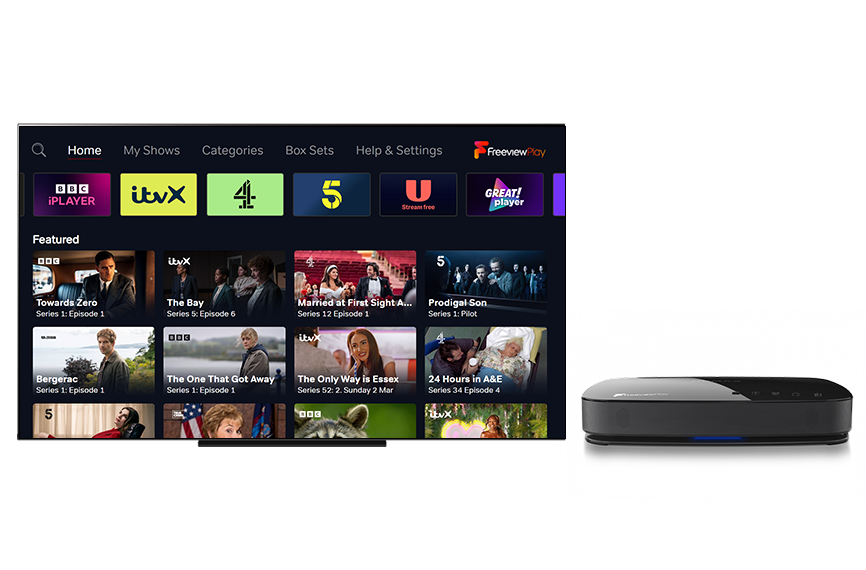
Freeview Play is built into most new TVs and recorders, so it's likely you already have it, visit the guide below to find out now.
Do I have Freeview Play already?
Looking for a new TV? There are plenty to choose from, check out the latest offers below.
Step 2: Get Connected

Plug in an aerial to your Freeview Play TV or set-top box. Connect to your broadband. Then simply tune to get your Freeview channels.
If you don't have an aerial, it's still easy to enjoy some great TV.
Do I need an aerial for Freeview Play?
Step 3: Enjoy
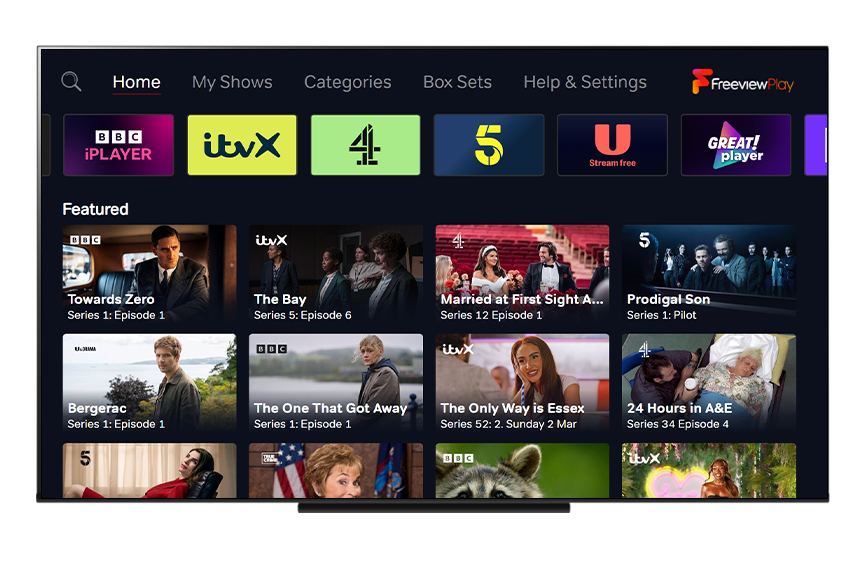
Sit back, relax and enjoy. Visit channel 100 to access over 60,000 hours of free on demand TV all in one place.

* Channel availability subject to geographic location and coverage. Aerial upgrade and/or receiver may be required. A minimum broadband speed of 2Mbps is required to watch catch up and on demand services – this will count towards any monthly broadband data allowance. Service and player availability may differ between products and some services and players may not be included. Extra costs apply for additional 3rd party services.